ItemsAdderAdditions
Behaviours
Bed
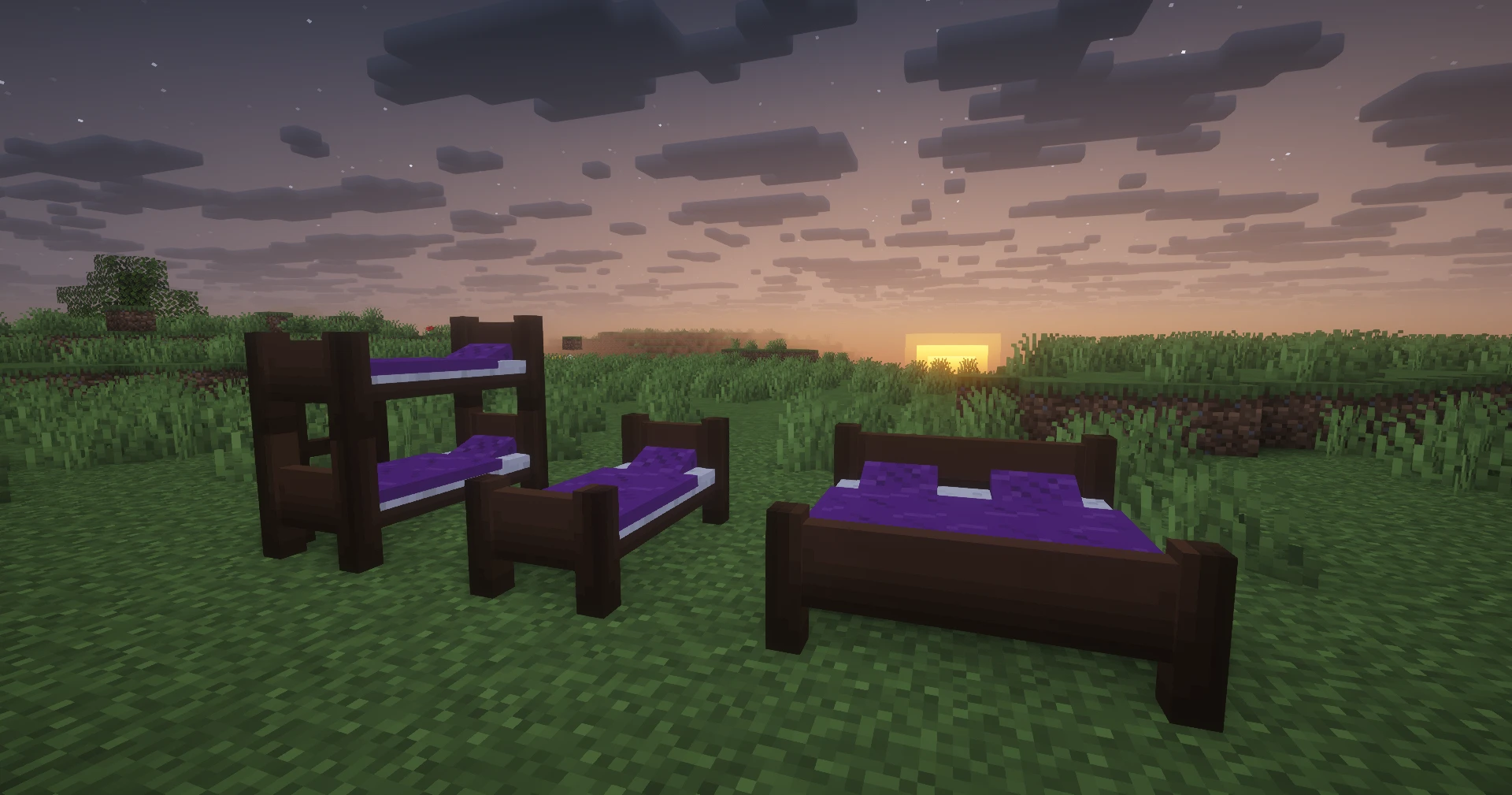
Turn custom furniture into a functional multi-slot bed.
Since v1.0.7
Turns any custom furniture into a functional bed. Supports multiple sleeping slots on a single piece, so one double bed can host two players at the same time.
Works with custom furniture and complex furniture.
Configuration
behaviours:
  bed:
    slots:
      - "0,0,0"   # required - at least one slot
      - "1,0,0"   # second slot, e.g. for a double bed
Each entry in slots is a "dx,dy,dz" integer offset relative to the furniture's base block.
The offset axes follow the furniture's own facing direction, not world axes:
| Axis | Meaning |
|---|---|
dx | Forward / backward along the furniture's facing |
dy | Up / down |
dz | Left / right (perpendicular to facing) |
"1,0,0" is always one block in front of the base, regardless of which direction the furniture was placed.
Single slot (default)
behaviours:
  bed:
    slots:
      - "0,0,0"
Omitting slots entirely also defaults to a single slot at 0,0,0.
Double bed (two slots side by side)
behaviours:
  bed:
    slots:
      - "0,0,0"
      - "0,0,1"
dz: 1 places the second slot one block to the right of the base when facing the furniture.
Double bed (two slots front to back)
behaviours:
  bed:
    slots:
      - "0,0,0"
      - "1,0,0"
dx: 1 places the second slot one block in front of the base.
Behaviour
- Right-clicking the furniture (or its barrier blocks) tries to put the player to sleep in the next available slot.
- If all slots are occupied, the player sees the "This bed is occupied" action-bar message.
- A temporary vanilla bed block is placed at the slot so the Minecraft sleep mechanic works. It is removed when the player wakes up, disconnects, or the furniture is broken.
- Breaking the furniture wakes any sleeping players.
- Sneaking while right-clicking is ignored so players can interact normally while crouching.